What is a Clipping Path? Complete Guide for eCommerce Product Photos
What is a Clipping Path? Complete Guide for eCommerce Product Photos
Introduction
In eCommerce, product images are more than visuals—they are your primary sales tool. For online stores targeting the USA and European markets, image quality directly impacts click-through rates, customer trust, and conversions. One of the most essential techniques behind clean, professional product images is the Clipping Path.
From removing backgrounds to creating consistent product catalogs, clipping path plays a foundational role in eCommerce photo editing. This guide explains what a clipping path is, how it works, when to use it, and why it is critical for high-performing product images.
What is a Clipping Path?
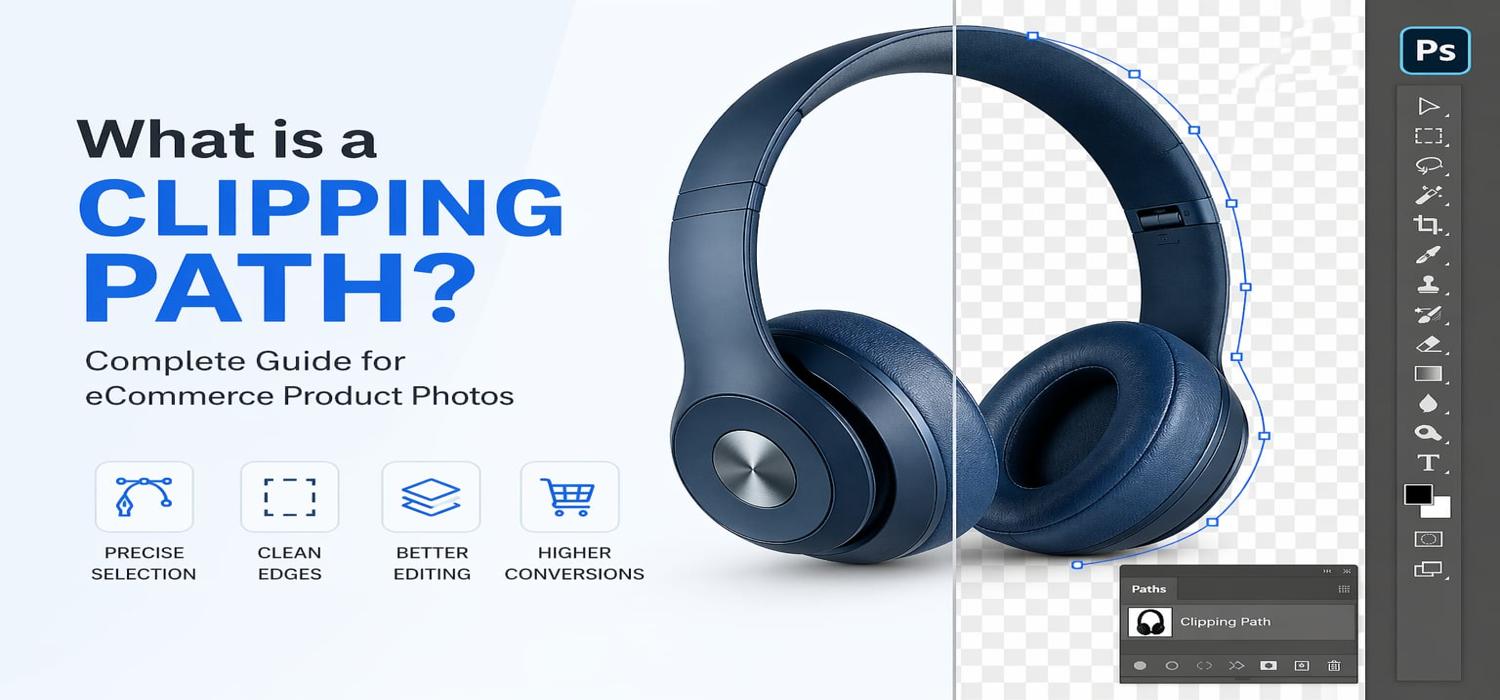
A Clipping Path is a vector-based outline created using the Pen Tool in Photoshop to isolate an object from its background. This path acts as a boundary that separates the product from unwanted areas of the image.
In simple terms:
- It “cuts out” the product from the background
- Keeps edges sharp and clean
- Allows full control over image editing
Unlike automatic tools, clipping paths are manually created, ensuring precision and high-quality results—especially important for professional eCommerce standards.
Why Clipping Path is Important for eCommerce Product Photos
1. Clean Background Removal
Most marketplaces require distraction-free backgrounds. Clipping path ensures precise removal without rough edges or quality loss.
2. Professional Product Presentation
Sharp, clean edges improve the visual appeal of products, making them look more polished and trustworthy.
3. Marketplace Compliance
Platforms like Amazon and many European marketplaces require:
- Pure white backgrounds
- Clear product focus
- No visual distractions
Clipping paths help meet these requirements accurately.
4. Consistency Across Product Catalogs
For brands with hundreds or thousands of products, consistency is critical. Clipping paths ensure uniform image presentation across all listings.
5. Flexible Editing Workflow
Once a clipping path is created, editors can:
- Change backgrounds
- Adjust colors
- Add shadows
- Reuse the path for multiple edits
This makes it highly efficient for bulk editing.
How Does a Clipping Path Work?
Clipping paths are created using the Pen Tool in Photoshop. Editors draw a precise path around the product, following its edges carefully.
Basic Workflow:
- Open the product image
- Use the Pen Tool to draw a path around the object
- Convert the path into a selection
- Remove or replace the background
- Refine edges if needed
The result is a cleanly isolated product ready for further editing or marketplace upload.
Types of Clipping Paths
1. Simple Clipping Path
Used for products with straight or simple edges
Examples:
- Books
- Boxes
- Mobile phones
2. Medium Clipping Path
Used for objects with some curves or moderate complexity
Examples:
- Shoes
- Bags
- Furniture
3. Complex Clipping Path
Used for highly detailed or intricate objects
Examples:
- Jewelry
- Bicycles
- Complex machinery
4. Multiple Clipping Path
Used when different parts of an image need separate editing
Examples:
- Products with multiple colors
- Items requiring selective adjustments
Clipping Path vs Background Removal: What’s the Difference?
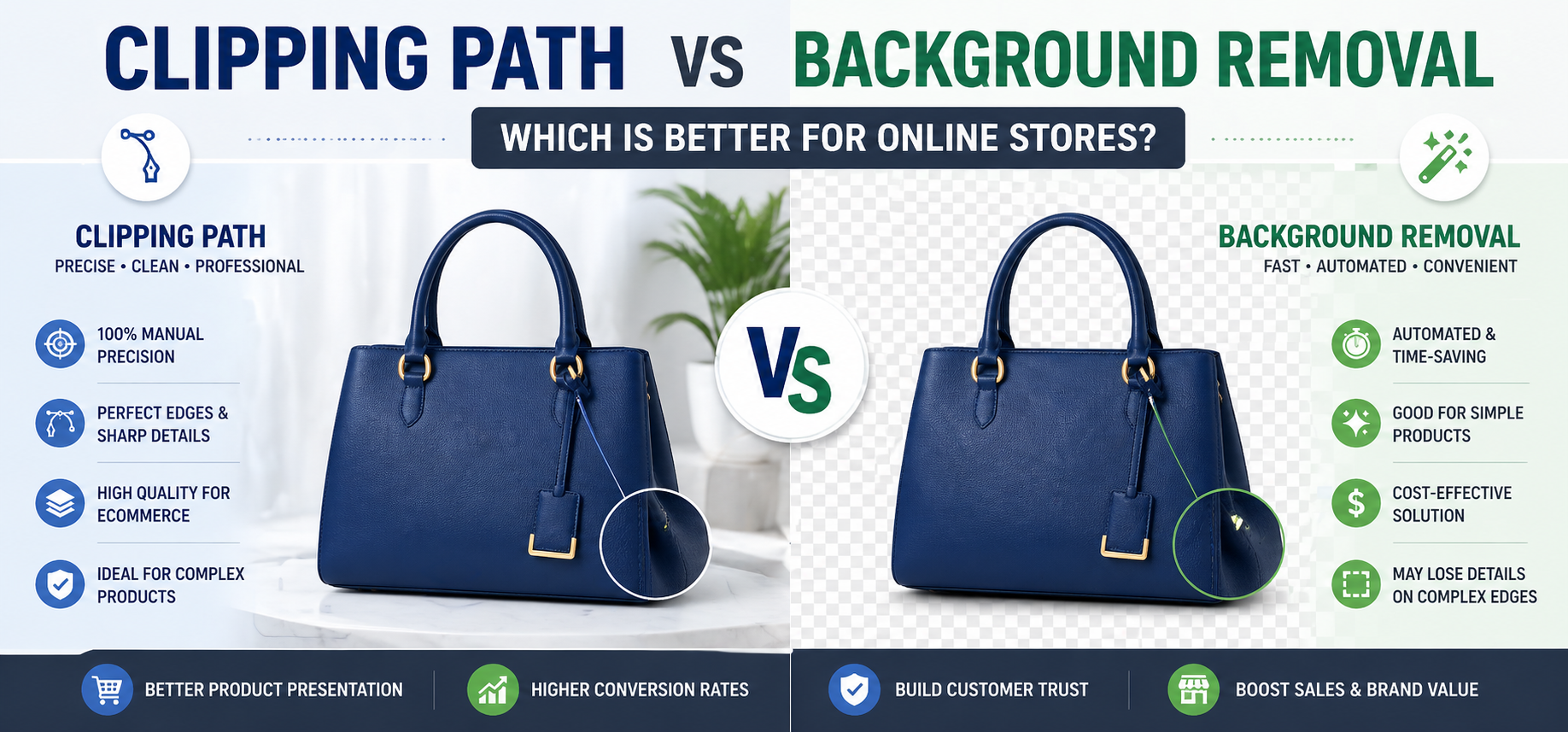
| Feature | Clipping Path | Automatic Background Removal |
|---|---|---|
| Method | Manual | AI/Automatic |
| Accuracy | Very High | Medium |
| Edge Quality | Sharp & Clean | Often rough |
| Best For | Professional eCommerce | Quick edits |
| Flexibility | High | Limited |
For high-end product images, manual clipping path is always preferred over automated tools.
When Should You Use a Clipping Path?
Clipping path works best when products have hard, well-defined edges.
Ideal Use Cases:
- Electronics
- Furniture
- Footwear
- Packaged goods
- Accessories
Not Ideal For:
- Hair or fur (use image masking instead)
- Transparent objects
- Smoke or soft edges
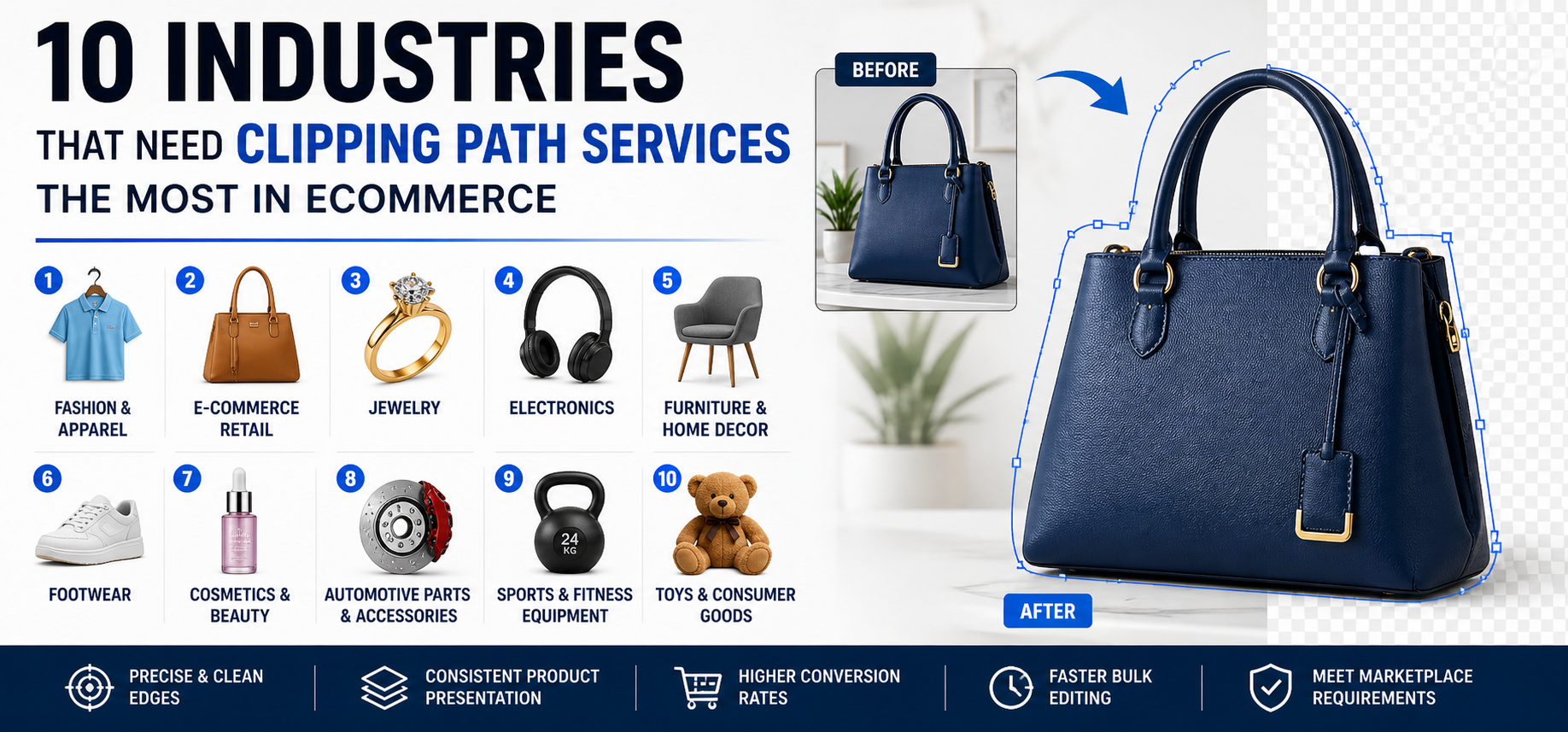
Industries That Rely on Clipping Path
Apparel & Fashion
Used for isolating clothing and preparing images for ghost mannequin editing.
Jewelry
Ensures precise edges for high-value products.
Furniture
Helps create consistent catalog images.
Cosmetics
Enhances packaging visuals for branding.
Electronics
Provides clean, professional product presentation.
Benefits of Clipping Path for Online Stores
Improved Conversion Rates
Clear and professional images increase buyer confidence and encourage purchases.
Better SEO for Product Listings
High-quality images improve engagement metrics, which can positively influence search rankings.
Reduced Return Rates
Accurate visuals help customers make informed decisions.
Faster Editing for Bulk Images
Reusable paths speed up large-scale editing workflows.
Clipping Path in eCommerce Workflow
A typical professional workflow includes:
- Clipping Path Creation
- Background Removal or Replacement
- Color Correction
- Shadow Creation
- Final Retouching
- Export for Web Optimization
This structured process ensures consistent, high-quality output.
Best Practices for Clipping Path in eCommerce
- Use manual pen tool for precision
- Zoom in for accurate edge selection
- Avoid cutting into product edges
- Maintain natural curves and shapes
- Combine with retouching for best results
- Save paths for future edits
Common Mistakes to Avoid
- Using automatic tools for complex products
- Over-smoothing edges
- Ignoring fine details
- Inconsistent clipping across product images
- Not maintaining original image quality
Clipping Path vs Image Masking: When to Choose What?
| Scenario | Best Technique |
|---|---|
| Solid edges | Clipping Path |
| Hair or fur | Image Masking |
| Transparent objects | Masking |
| Product catalogs | Clipping Path |
Both techniques are often used together in professional editing workflows.
Why eCommerce Businesses Outsource Clipping Path Services
Scalability
Handle large product volumes efficiently.
Cost Efficiency
Reduce in-house editing costs.
Expertise
Professional editors ensure precision and consistency.
Faster Turnaround
Quick delivery for large catalogs and campaigns.
Conclusion
Clipping path is one of the most important techniques in eCommerce photo editing. It enables clean background removal, precise product isolation, and consistent catalog presentation—key factors for success in competitive USA and European markets.
Whether you are an online retailer, photographer, or agency, understanding and using clipping path effectively can significantly improve your product visuals, enhance brand credibility, and increase conversions.
For businesses looking to scale and maintain professional quality, investing in expert clipping path services is a strategic decision that delivers long-term value.